

Photo Sharing Album for Weddings: Best Apps & Free Options
Discover the best photo sharing album apps for weddings. Compare PicLoop, Google Photos, Cluster, Eversnap, and more. Learn essential features, free options, and expert tips to maximize guest participation. Create one organized collection for every memory from your big day.
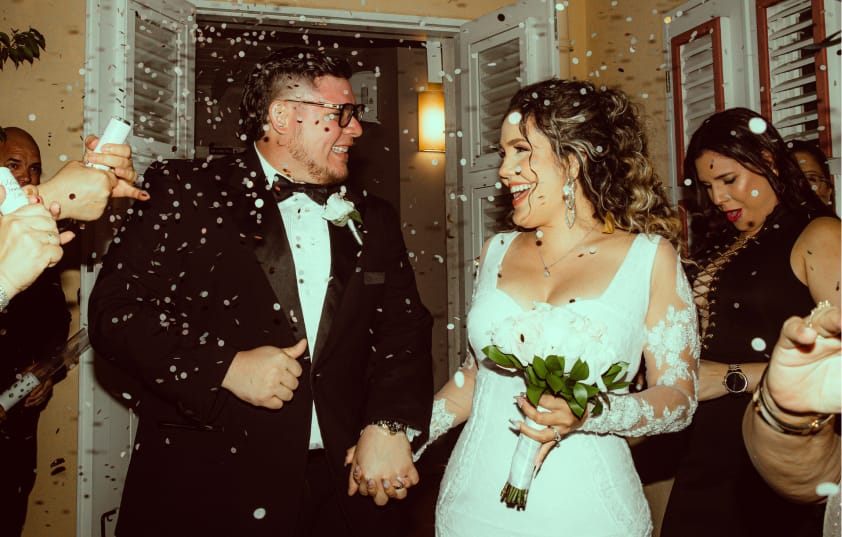
Remember when your cousin posted 147 wedding photos on Facebook and exactly three people liked them? Yeah, social media isn't built for your big day anymore. Enter the private photo sharing album—your wedding's VIP lounge where guests actually engage, Uncle Bob's blurry candids live alongside professional shots, and nobody's fighting the algorithm for visibility.
If you're planning a wedding, you need a dedicated space where everyone—from your tech-savvy friends to your iPad-wielding grandma—can upload, browse, and relive your special day. A photo sharing app for wedding events solves the chaos of photos scattered across text threads, email chains, and seventeen different Instagram stories.
Let's dive into why these apps are the unsung heroes of modern weddings and how to pick the perfect one for your "I Do's."
Why Your Wedding Photos Deserve Better Than Social Media
Social media promised to connect us all, but let's be honest: your wedding album doesn't need to compete with cat videos and political rants. When you post wedding photos publicly, they get buried in feeds within hours.
The Problems with Social Media Albums
- The Algorithm Battle: Even your closest friends might miss your posts because an algorithm decided a sponsored ad for vitamin gummies was more important.
- The Privacy Paradox: Do you really want your high school lab partner or your boss’s cousin scrutinizing your reception dance moves? Private albums keep the circle intimate.
- Compression Issues: Platforms like Instagram and Facebook strip away image quality to save server space. If you try to print those photos later, they’ll look pixelated.
- The "Shadow" Profiles: Many guests have private accounts. If they tag you, but you aren't following them (or vice versa), those photos essentially vanish into a digital black hole.
- Disjointed Narrative: A hashtag is a loose filing system, not a story. Photos are scattered, unorganized, and often interspersed with unrelated content using the same tag.
Private photo sharing albums flip the script. They're invitation-only spaces where your wedding becomes the main event. Everyone who matters gets access, and the photos actually stick around in one organized place. No vanishing Stories. No privacy concerns. Just pure memories.What Is a Photo Sharing Album and Why You Need One for Your Wedding
What Exactly is a "Photo Sharing Album" App?
A photo sharing album is a digital gallery designed for group collaboration. Think of it as a digital wedding guestbook but for visuals. Unlike traditional cloud storage (which can feel like a boring filing cabinet), these apps are designed to be interactive, social, and intuitive.
For weddings, these albums serve as your central photo hub. Your photographer captures the "highlights," but your guests capture the "soul."
- The Photographer: Focuses on the kiss, the cake, and the family portraits.
- The Guests: Focus on the laughs at Table 4, the cocktail hour selfies, and the behind-the-scenes moments in the bridal suite.
By using a dedicated app, you bridge the gap between "Professional Art" and "Personal Memories."
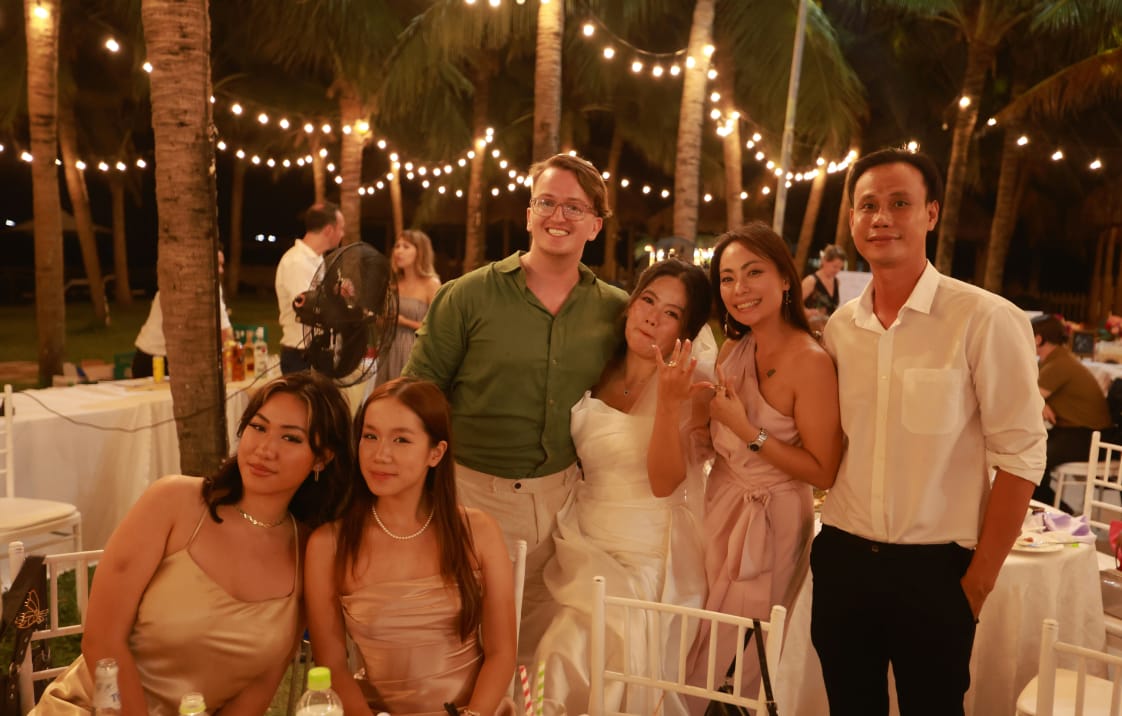
The Wedding App Checklist: Key Features to Look For
Not all apps are created equal. Choosing the wrong one means spending your honeymoon acting as IT support for your relatives. Here is what separates the best wedding photo sharing app options from the pretenders:
1. Low-Friction Participation
This is the "make or break" feature. If a guest has to download a 200MB app, create a profile, verify their email, and choose a 12-character password, they will not use it. Look for:
- QR Code or link Access: Guests scan a code or tap a link and are instantly in the gallery.
- Web-Browser Uploads: The ability to upload directly from a mobile browser without installing anything.
2. High-Resolution Preservation
You may want to print a guest’s candid shot for your physical wedding album. Ensure the app preserves the original resolution (EXIF data) rather than "optimizing" (compressing) the file until it’s only 500KB.
3. Simple Organization & Tagging
Your wedding isn't just one moment; it's a series of events. The best apps allow you to create sub-albums for:
- The Engagement Party
- The Rehearsal Dinner
- The Getting-Ready Morning
- The Ceremony & Reception
4. Interactive Social Features
A photo is a conversation starter. Look for apps that allow:
- Commenting: "Look at Grandma's face during the toast!"
- Reactions: Hearts, likes, or custom emojis.
- Direct Downloads: Let guests save the photos they love too!
Top Picks: The Best Apps for Creating a Wedding Photo Sharing Album
1. PicLoop: The Minimalist’s Dream
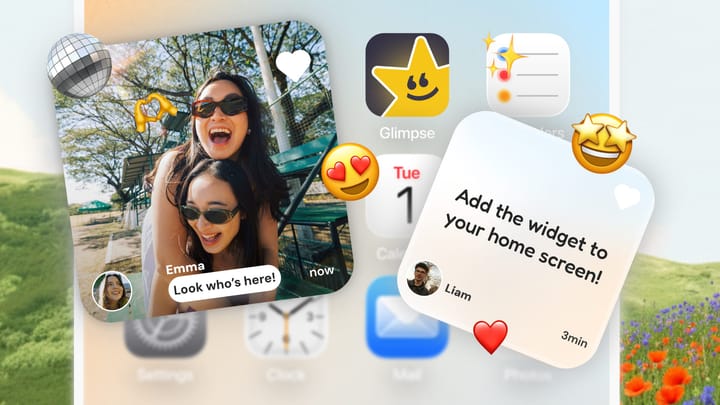
PicLoop is a dedicated private photo and video sharing app designed specifically for your closest "circles." Built by the team behind PicCollage, it treats your wedding like a collection of memories rather than a single dumping ground. It allows you to invite guests via simple links and offers a "private feed" where everyone can react and comment.
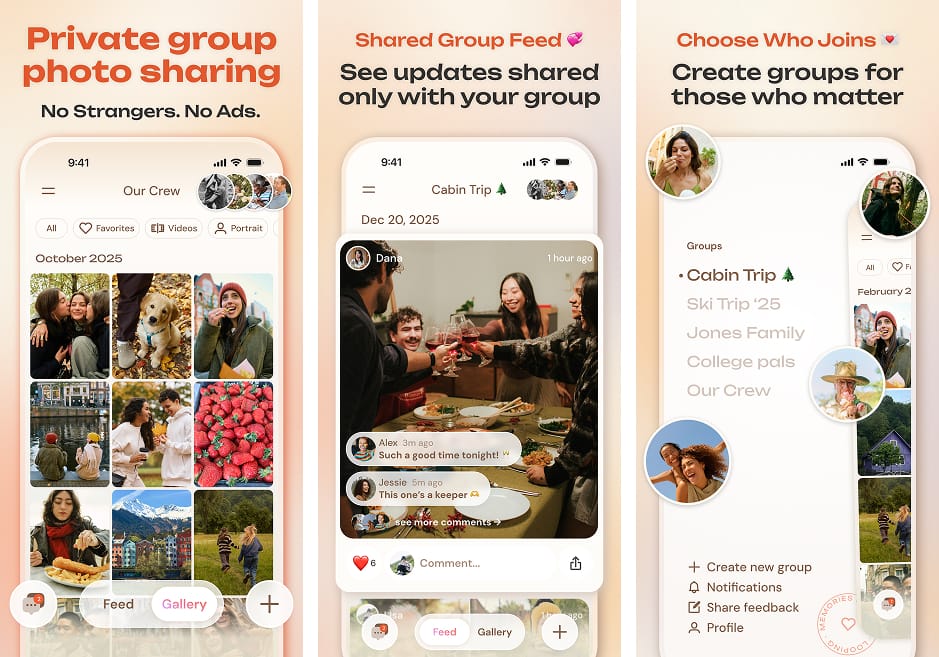
- Pros: Highly organized; lets you create multiple groups or folders (perfect for keeping the Bachelorette party separate from the Wedding Breakfast); includes automated video recaps.
- Cons: It is a relatively new player in the market compared to giants like Google.
- Best For: Couples who want a private, cozy "digital home" for their friends and family to stay in the loop across all wedding-related events.
2. Google Photos: The Familiar Workhorse
Almost everyone with a smartphone has interacted with Google Photos. By creating a "Shared Album" and sending a link, you’re using a platform that is virtually crash-proof.
 Google LLC
- Pros: It’s free; the AI can search for "Grandma" and find every photo she appears in across 2,000 uploads.
- Cons: It lacks "wedding soul." It’s a storage tool, not a celebration tool. There are no "Live Slideshow" options or custom wedding branding.
3. Cluster: The Private Room
Cluster is built on the idea of "Spaces." It’s perfect if you want to keep the wedding photos strictly within a small group.
- Pros: Very high privacy; excellent "New Photo" notifications that keep the excitement going for weeks after the wedding.
- Cons: Requires an app download for the best experience, which might deter less tech-savvy guests.
4. Eversnap: The Party Starter
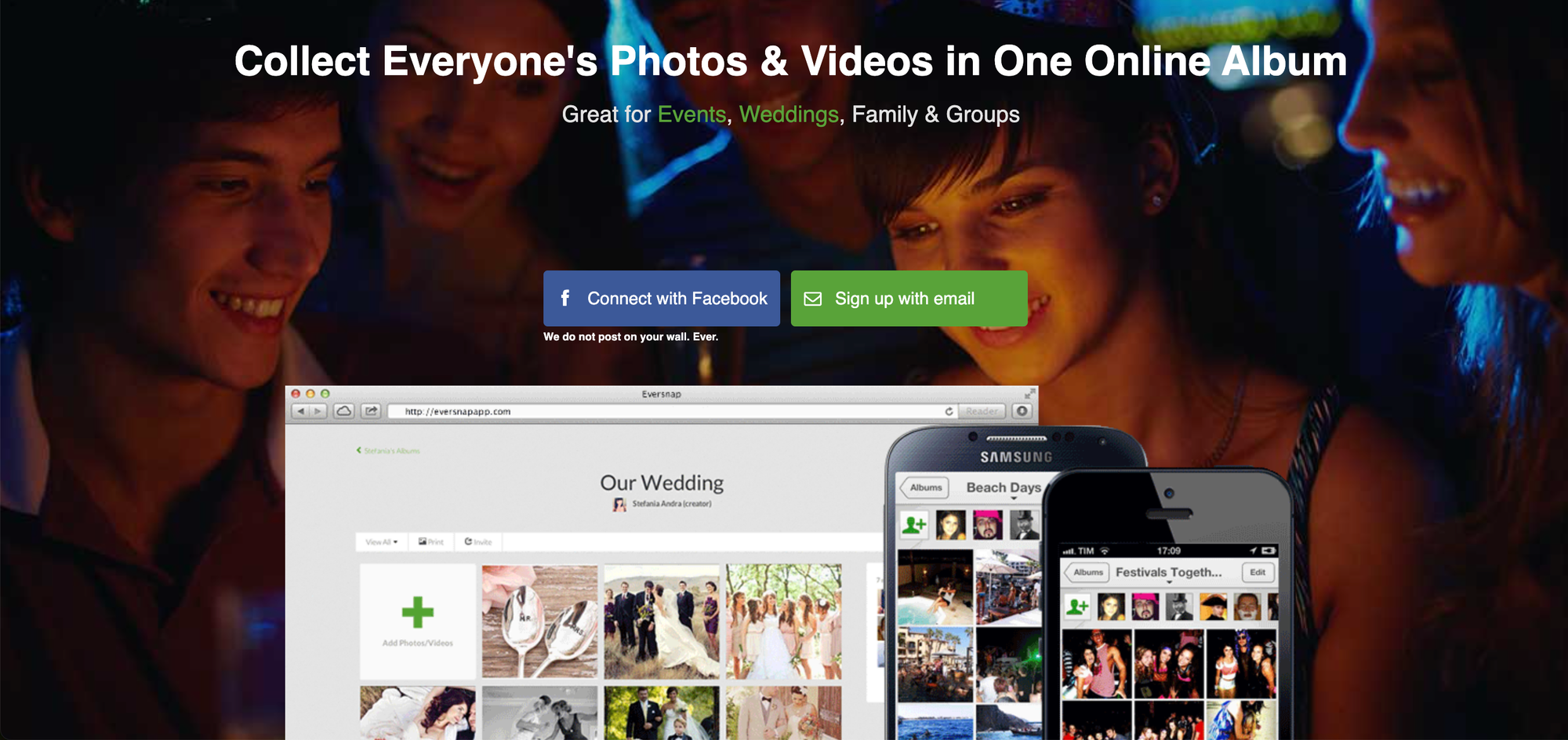
Eversnap is a veteran in the event space. They specialize in the Live Reception Slideshow.
- Pros: Watching photos appear on a projector in real-time is a massive hit with guests. It encourages them to take more photos.
- Cons: It’s one of the more expensive options, and the interface can feel a bit dated compared to PicLoop.
Free vs. Paid: When is it Worth the Investment?
Most couples are on a budget, and "Free" is a very attractive price point. However, there are specific times when paying $50–$150 for a premium photo app is actually the smartest money you’ll spend.
Stick with a FREE app if:
- You have fewer than 75 guests.
- You only care about collecting the files, not the "experience" of the gallery.
- You are tech-savvy enough to organize the files manually later.
Invest in a PAID/PREMIUM app if:
- You want Video: Free tiers often cap video length at 30 seconds. Paid tiers allow full-length speeches.
- You want Permanence: Paid apps often guarantee storage for 10+ years, whereas free services can change their "Terms of Service" at any time.
- You want Branding: Premium apps allow you to customize the gallery with your engagement photos and wedding colors.
- You want Moderation: Paid tiers usually include the ability to "approve" photos before they go live—essential if you have some "wild" friends who might post something inappropriate!

How to Maximize Guest Participation: A Strategic Plan
You can have the best app in the world, but if nobody knows it exists, your gallery will be a ghost town. Use these touchpoints to ensure you get every shot:
Phase 1: The Build-Up
- The Wedding Website: Create a dedicated "Photos" tab. Explain why you’re using the app (e.g., "We want to see the wedding through your eyes!").
- The Save-the-Date: Include a small "Teaser" link or QR code.
Phase 2: The Big Day
- The Table Tents: This is your most important tool. Place a 4x6 card on every table with the QR code.
- The MC Announcement: Ask your DJ or MC to make one quick announcement during dinner: "Hey everyone, see those QR codes? Snap a photo of your table and upload it so the bride and groom can see it tomorrow morning!"
- The Bar Signage: The bar is the highest-traffic area of any wedding. A small framed sign next to the cocktail menu is a goldmine for uploads.
Phase 3: The Morning After
- The "Thank You" Blast: Send a text or email to your guests the next day with the link again. People often find amazing photos on their camera rolls while they're sitting at the airport or driving home.
Digital Etiquette: Setting Guidelines for Your Guests
To ensure your album stays beautiful and organized, it helps to provide some "Gentle Guidelines" on your app’s landing page:
- "Unplugged" Ceremony: Ask guests to keep their phones away during the ceremony so they don't block the professional photographer. Let them know the app is for the reception.
- Quality over Quantity: Encourage them to upload their 10 favorite shots rather than a burst of 50 identical selfies.
- Be Kind: A quick reminder that the album is shared with family (including Grandma!) usually keeps the content PG-13.
- Capture the Details: Encourage guests to take photos of things you might have missed—the centerpieces, the guestbook, or the sunset.
Your Wedding Memories Deserve a Better Home
Wedding photos shouldn't disappear into the social media void or sit orphaned on scattered devices. A dedicated photo sharing album creates a unified, accessible, and permanent collection that honors your celebration properly.
Whether you choose PicLoop for its sleek simplicity, Google Photos for its AI power, or Eversnap for its reception entertainment, the important thing is choosing something. Because in five years, you won't remember which app you used—but you'll treasure every candid photo of your loved ones captured that day.
Your wedding happens once. The photos should last forever, easily shareable with everyone who mattered. Skip the algorithm. Build your album. Let the memories live where they belong—in a space designed for them, not for advertisers or engagement metrics.
Now go forth and create that album before your photographer delivers 3,000 photos and you panic about where to put them all. Your future self—and your guests—will thank you.


Comments ()